 PDF
PDFXplorer Gallery
Application overview

Application overview
PDFXplorer structure
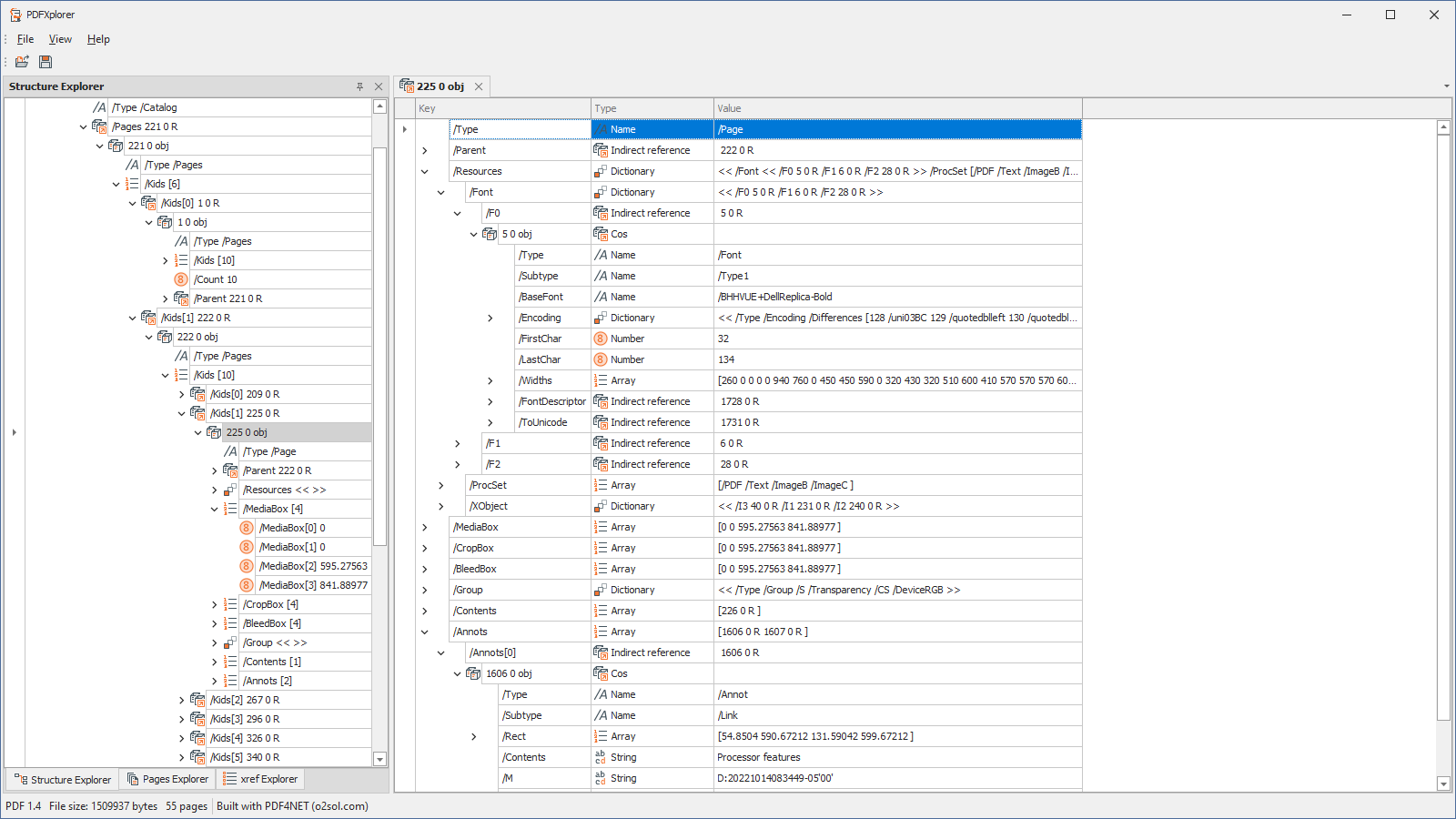
Structure explorer with details view for selected object

Structure explorer with content stream view, syntax highlighting and info tips for PDF operators

Structure explorer with content stream view and section folding for paired operators
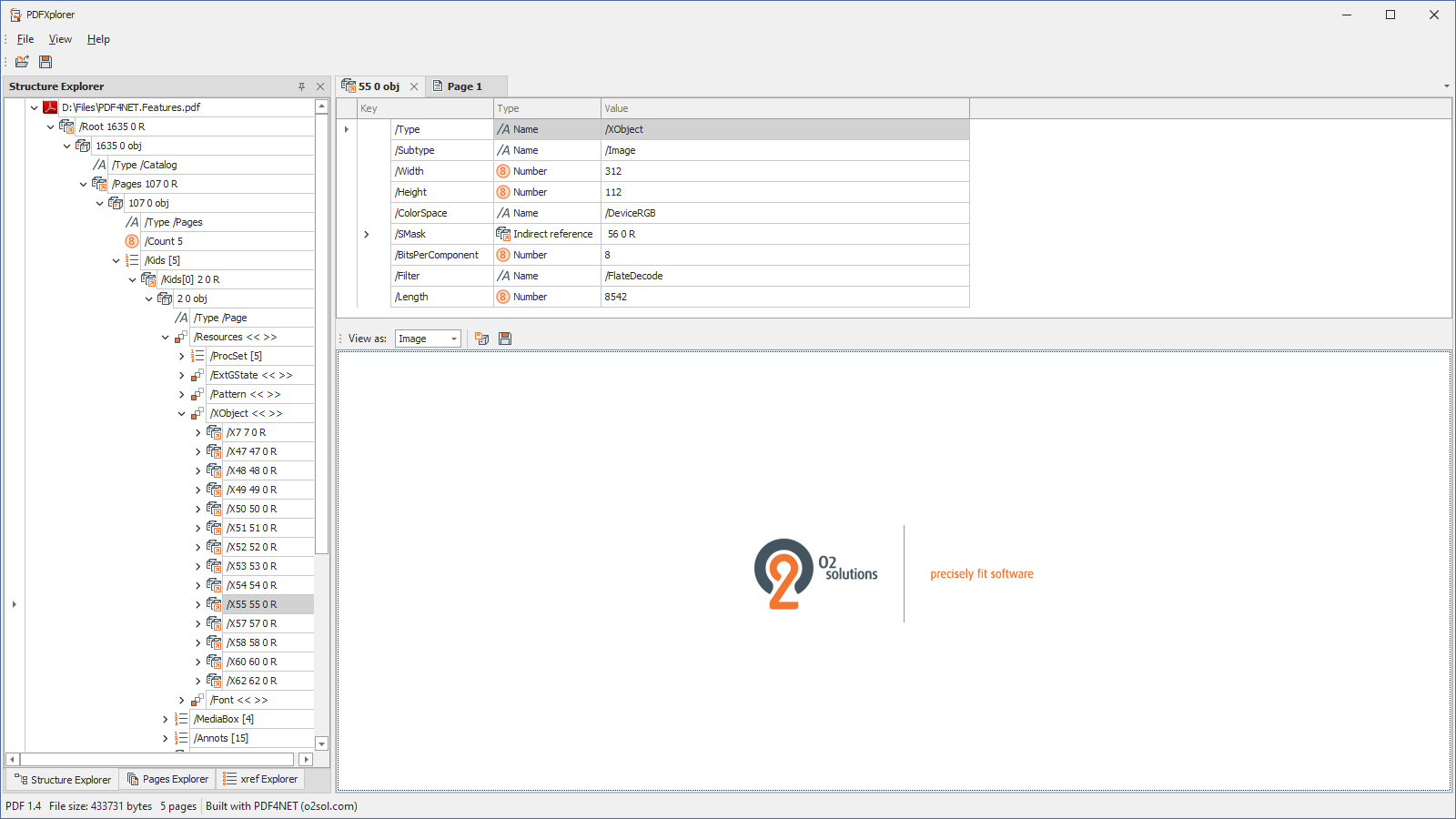
Structure explorer with image stream displayed as decoded image
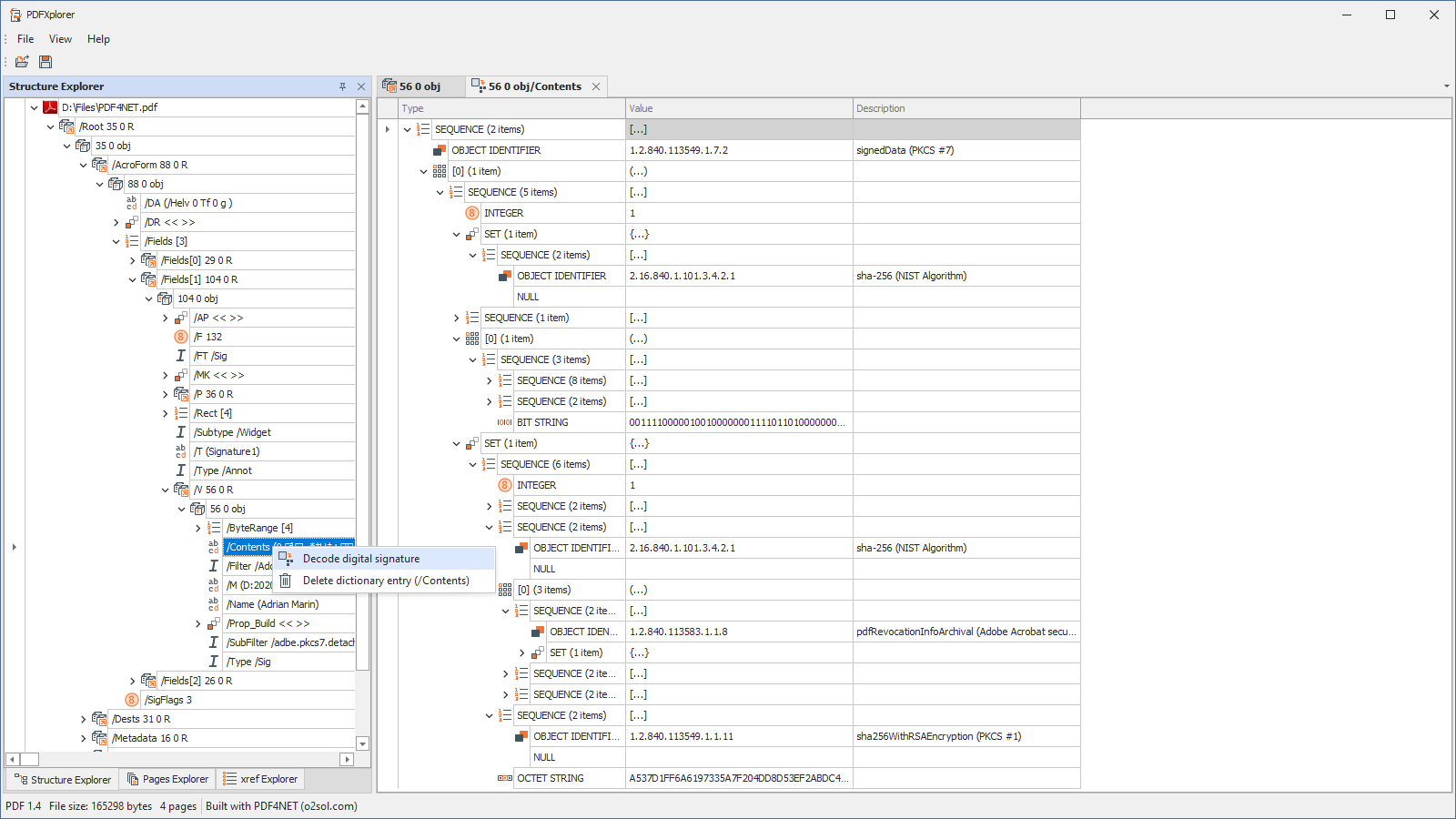
Structure explorer with decomposed digital signature as ASN.1 objects
Editing in PDFXplorer
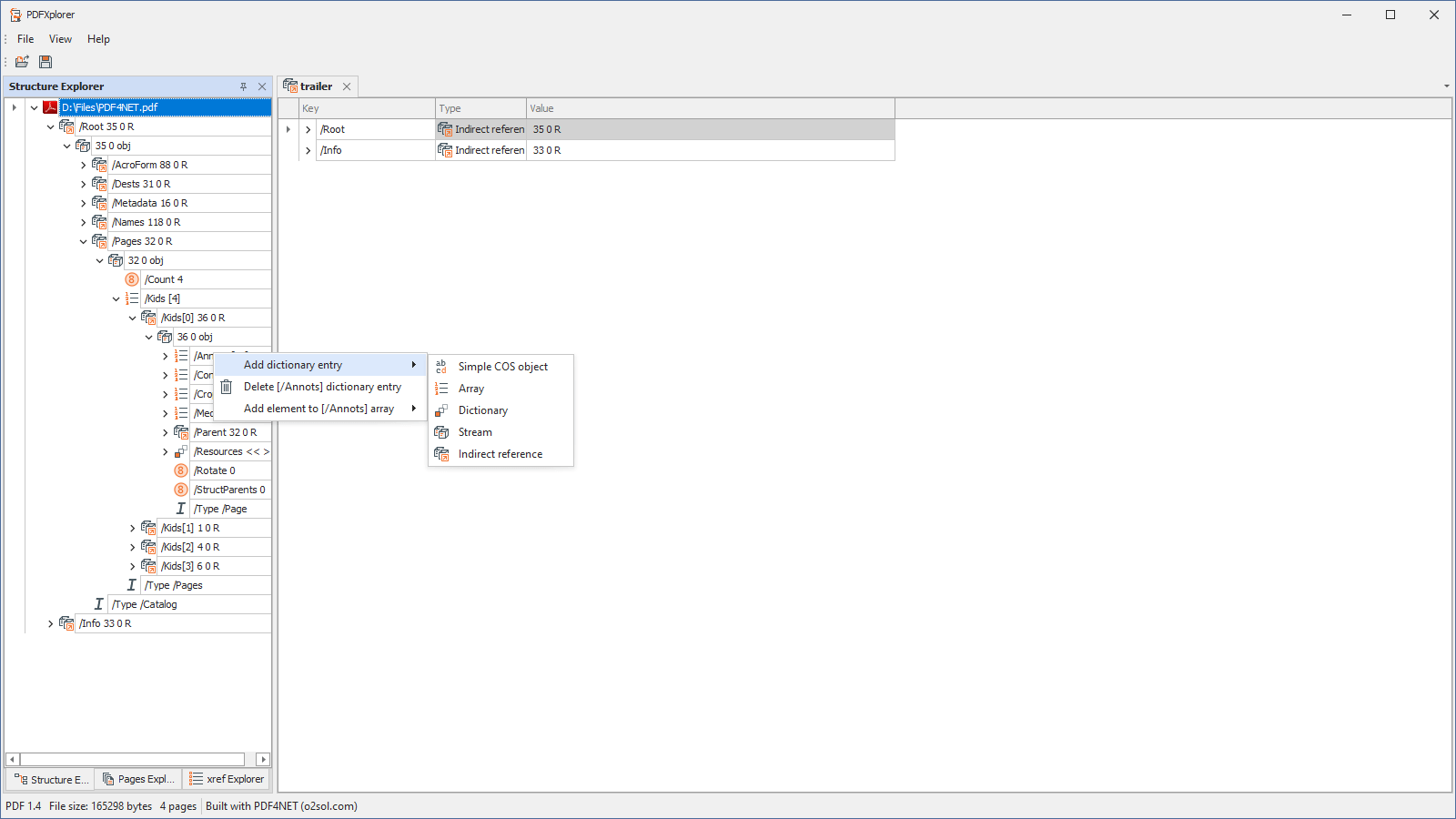
Add/remove COS objects

Add simple COS object (string, name, number, bool, null)

Add COS array

Add COS dictionary (direct or indirect reference)

Add COS stream. Data can be entered manually or read from file. Image files can be loaded as PDF image streams.

Add COS indirect reference to an existing object in the PDF file.
Pages explorer
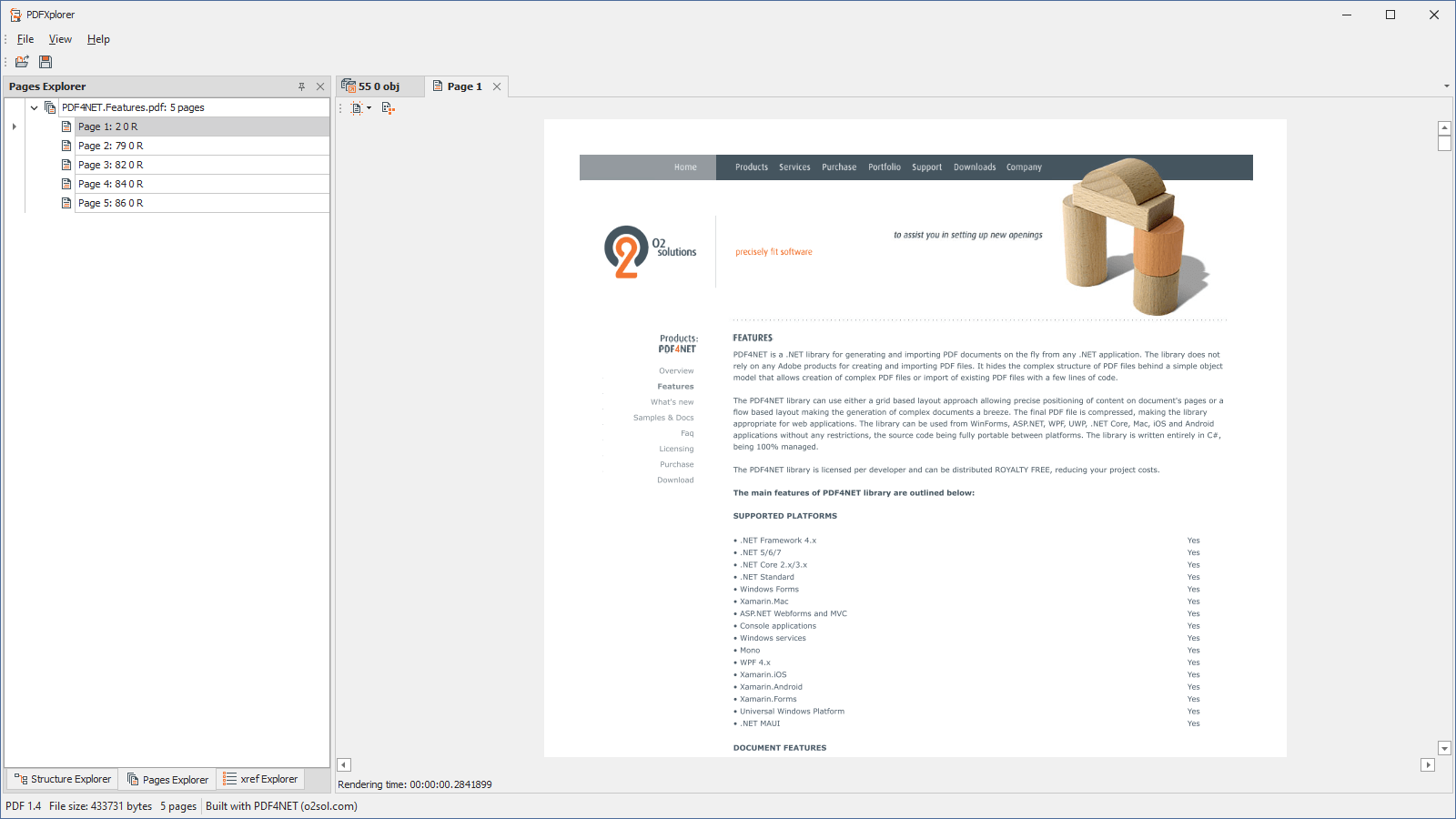
Pages explorer with rendered page
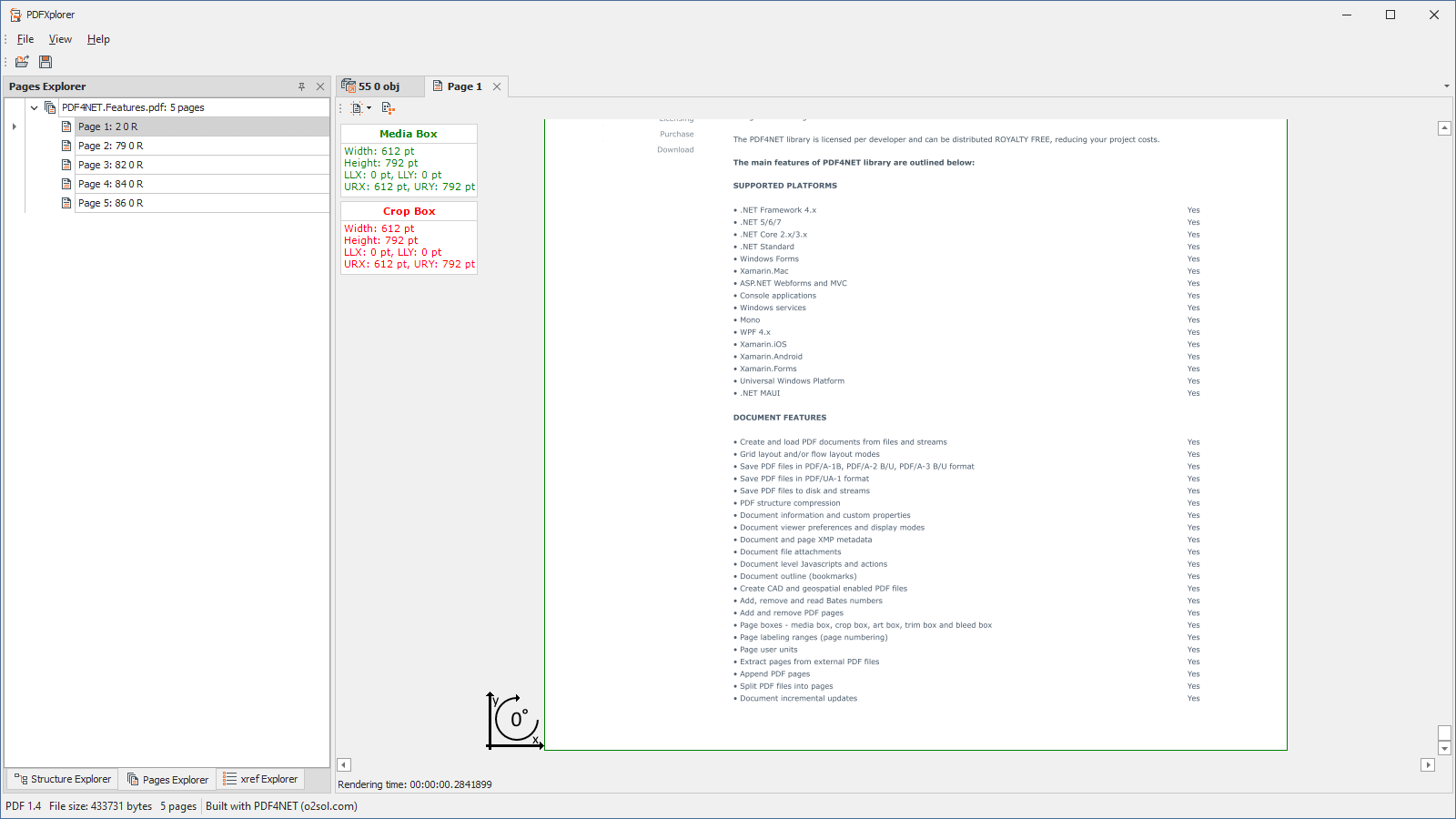
Page boxes and page rotation indicator
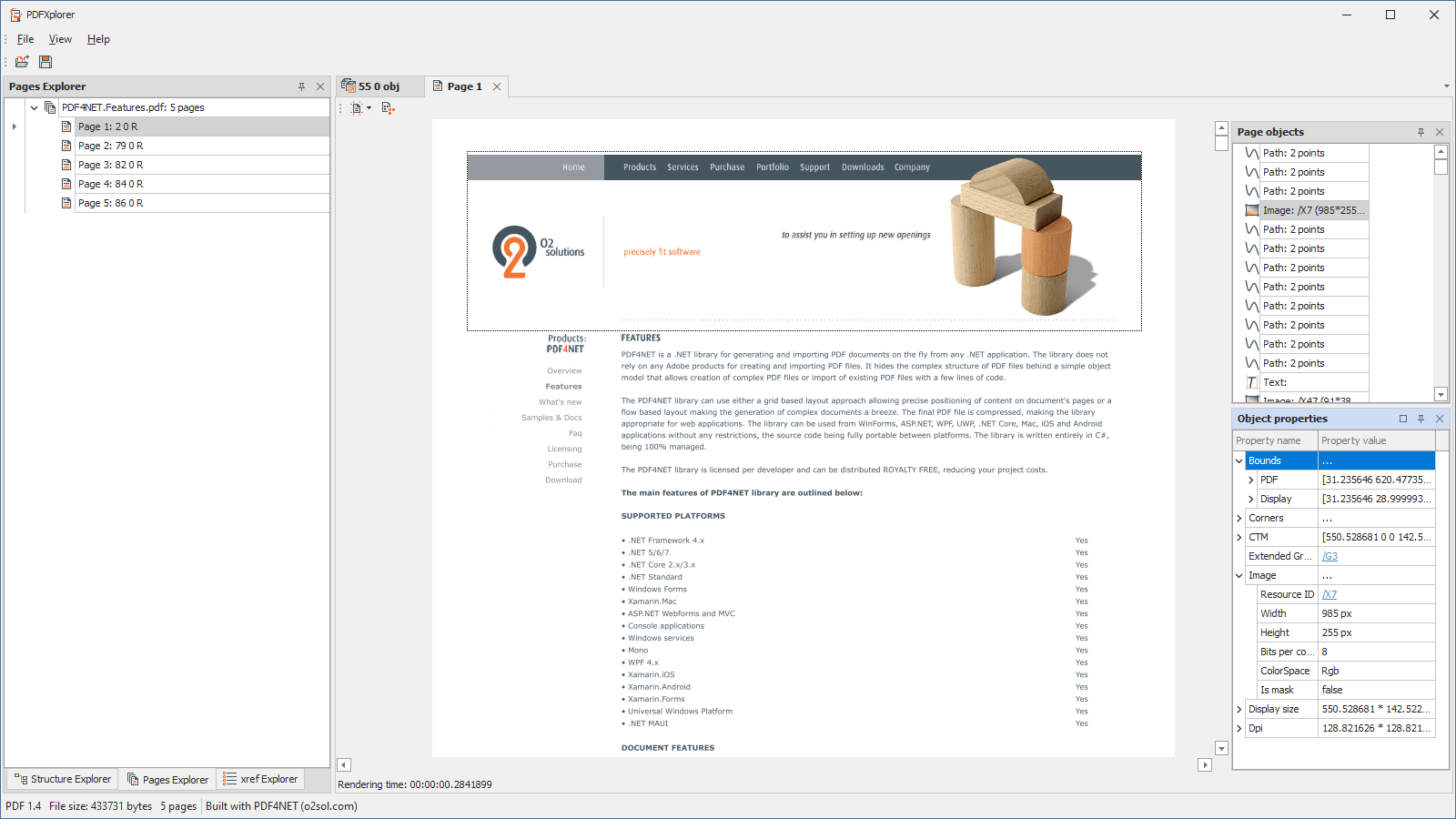
List of page objects with selected object highlighted on the page
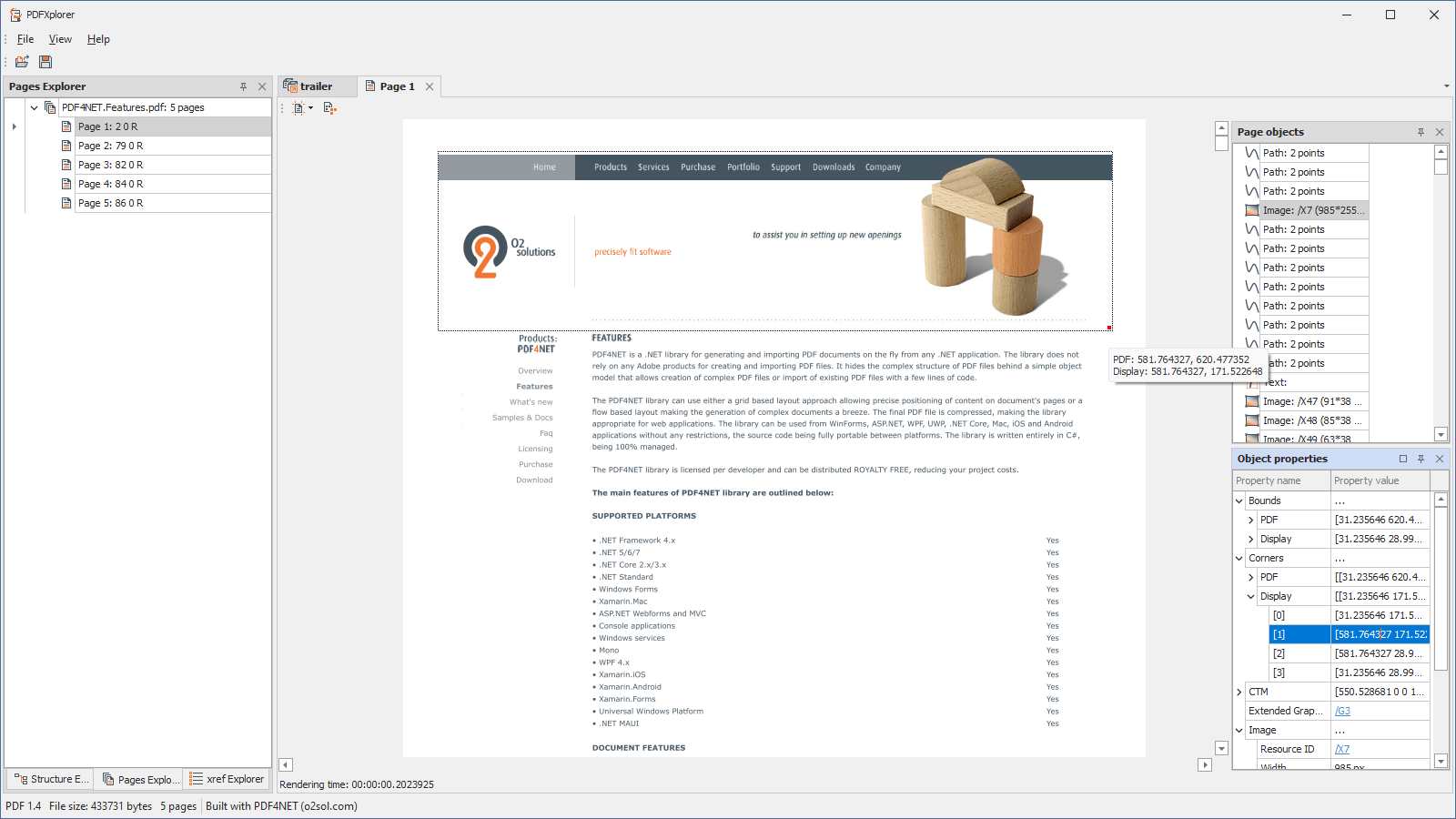
List of page objects. Selected object is also selected on the page and selected corner in object properties pane is highlighted with a red dot. The tooltip displays the position in PDF and display coordinates.

Bounding rectangle is displayed for text object selected in the list. Text corners are marked with red dots and position information is displayed in the tooltip.
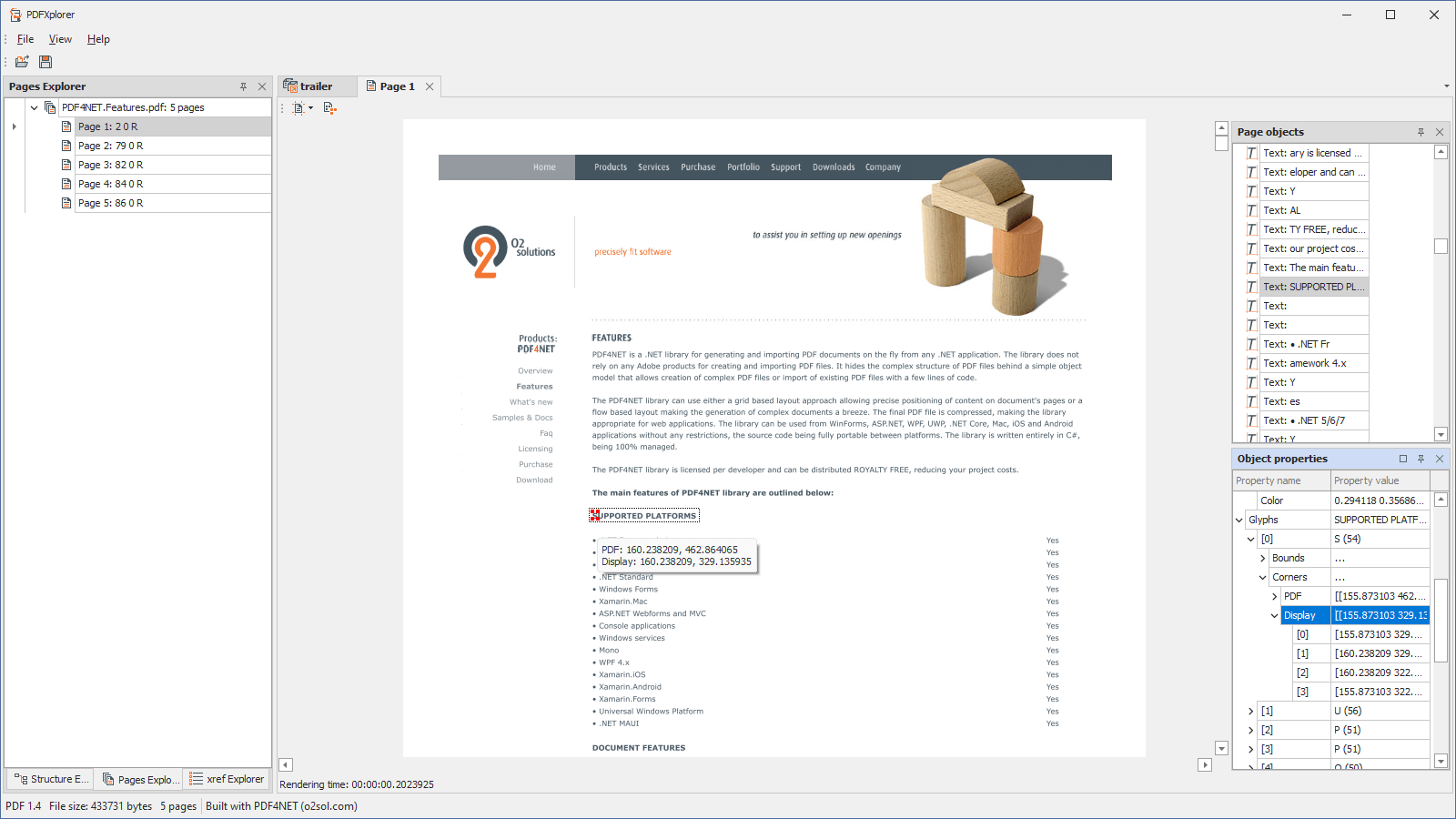
Position of each glyph in the selected text object is displayed on the page using the red dots.
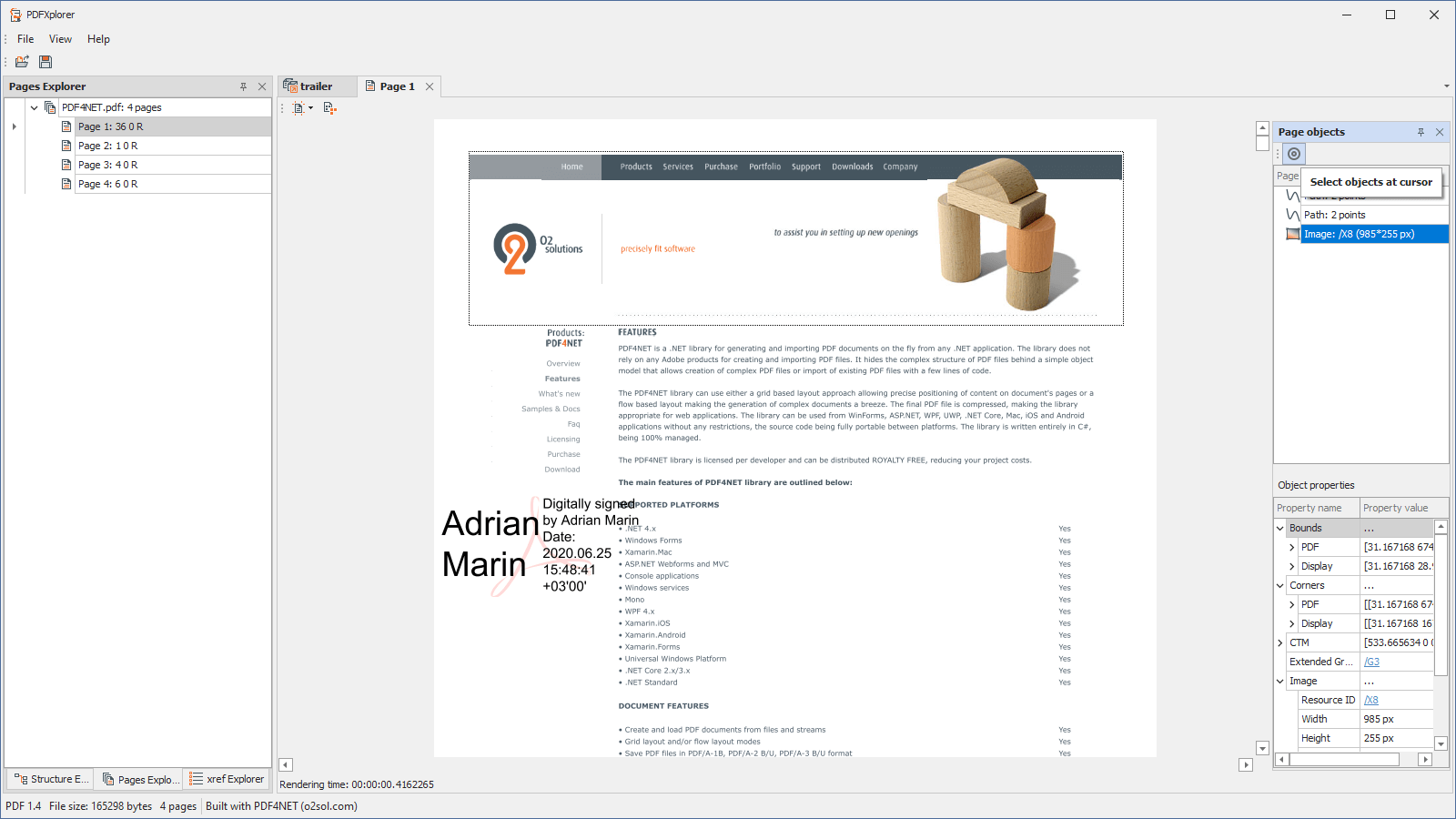
Select objects at mouse cursor. Click on the target button then click on the page to select the object at click location. Click again on the target icon to get back to full page objects list.
xref explorer
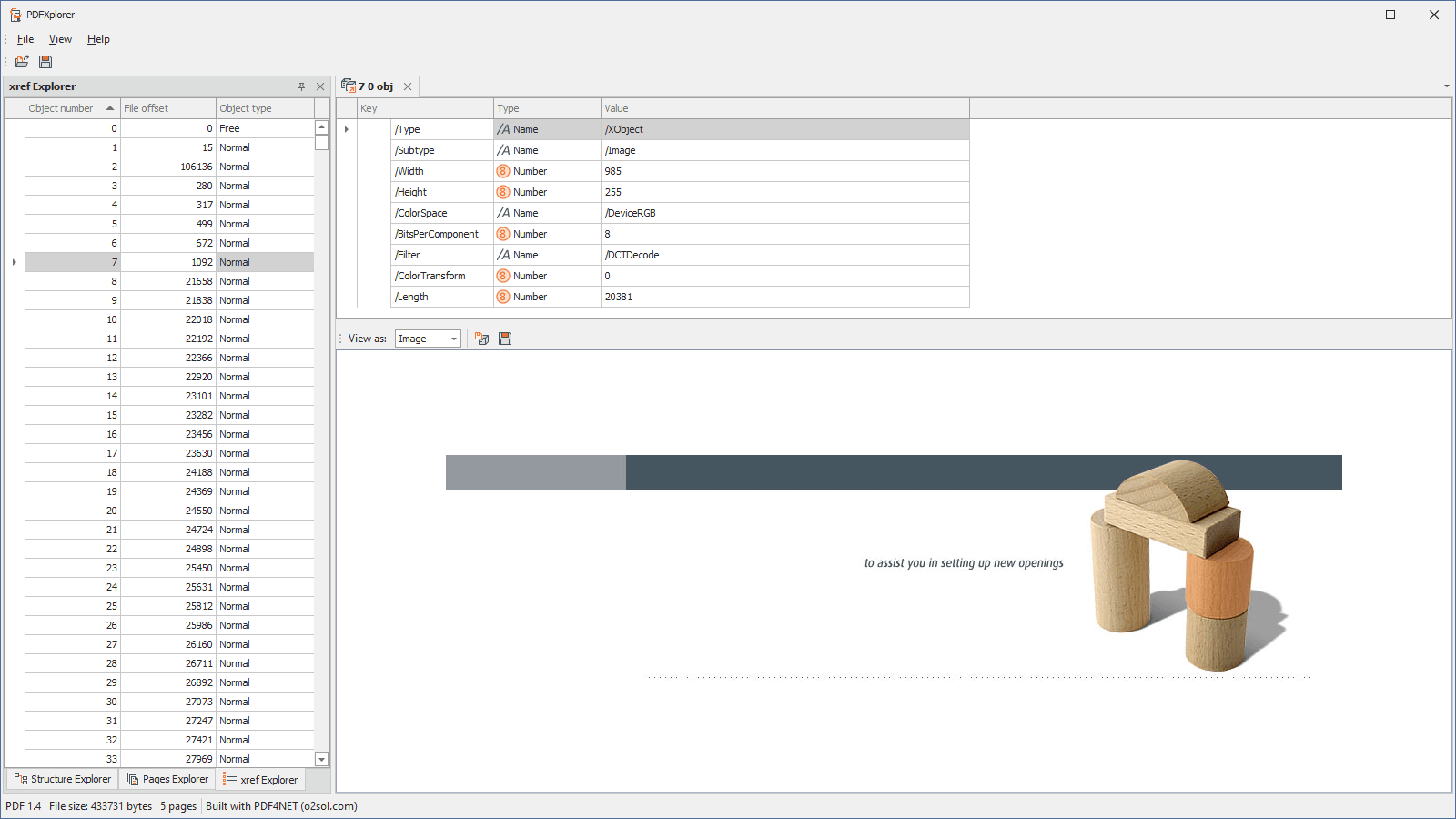
Cross reference explorer
Annotations explorer
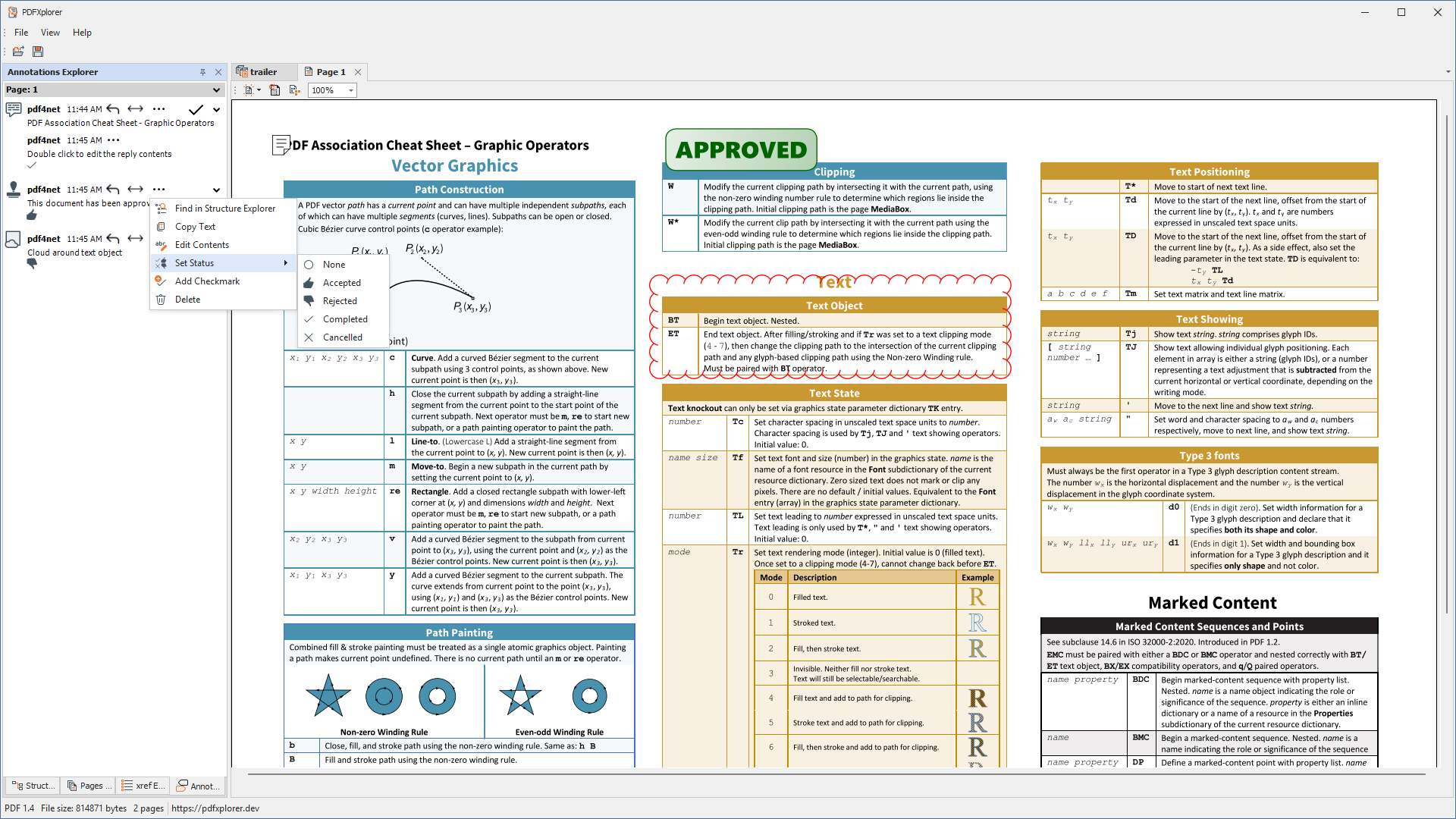
Annotations Explorer - view and manage page annotations in a centralized place
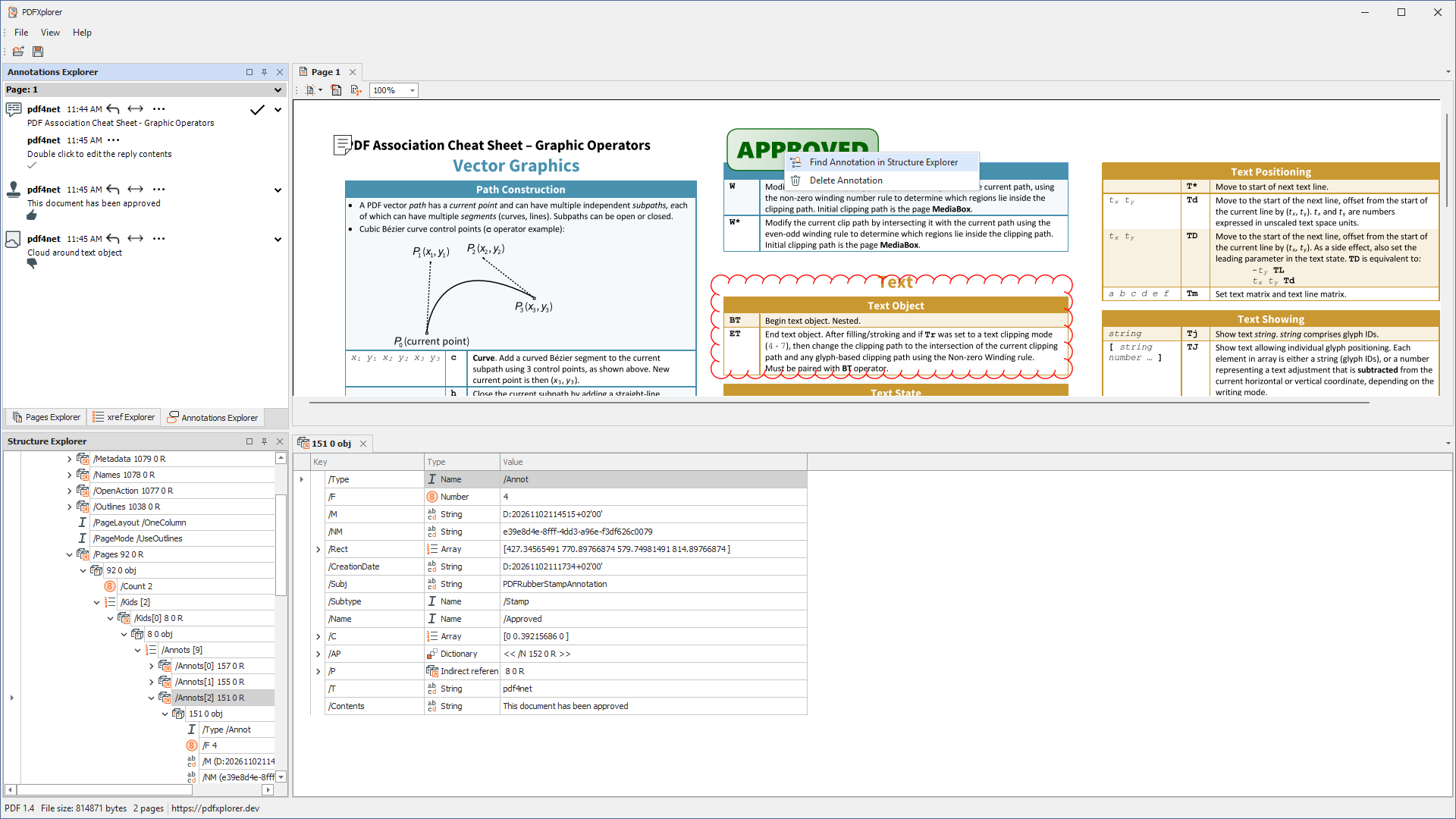
Context menu for annotations in PDF page view